MonarchDots
Clean, minimal, fast.
A curated Hyprland-centric dotfiles setup built for Arch Linux.
MonarchDots bundles the configs, scripts, theming, and tooling
needed to turn a fresh install into a cohesive Wayland desktop
without manually assembling every piece yourself.
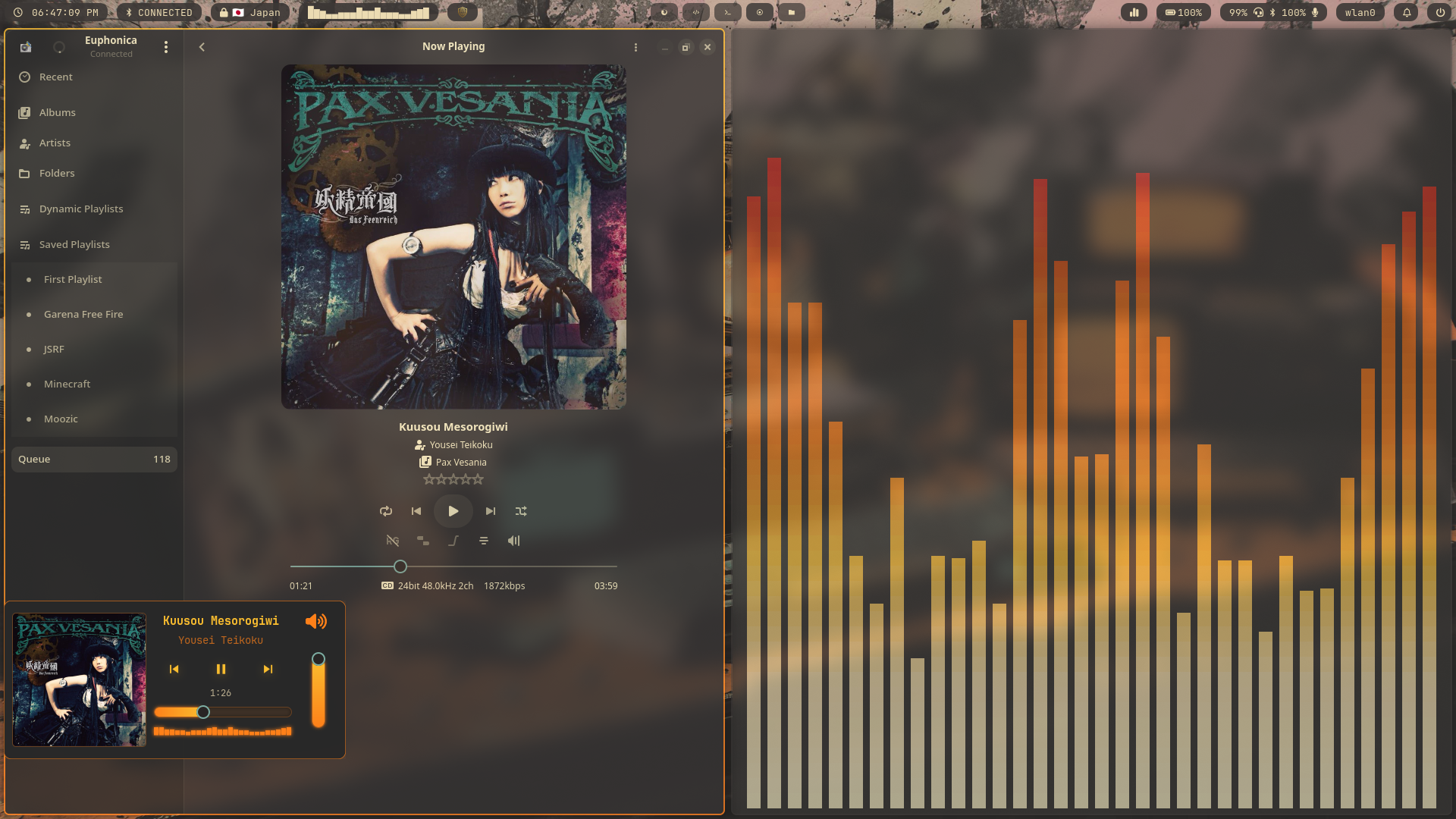
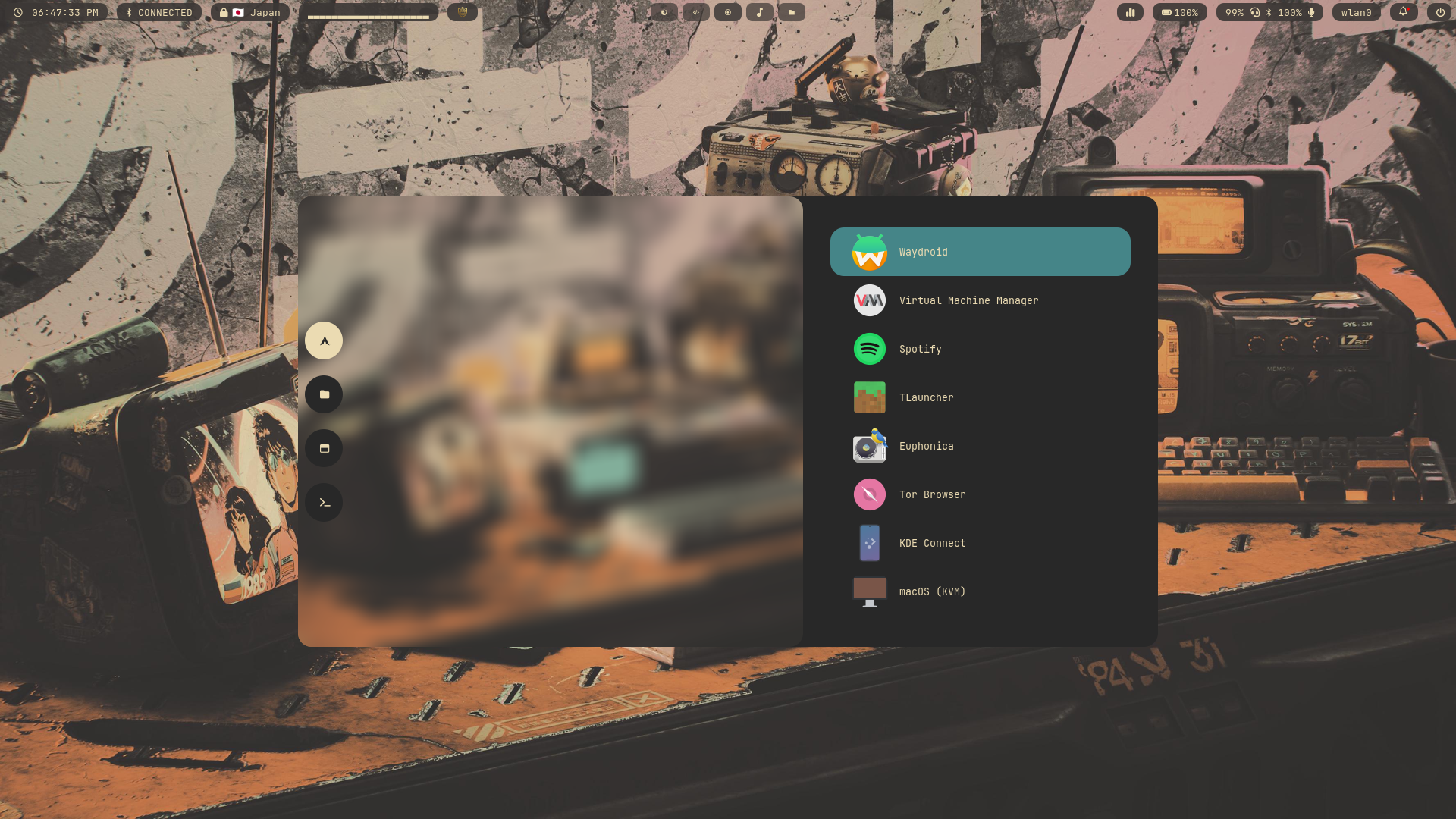
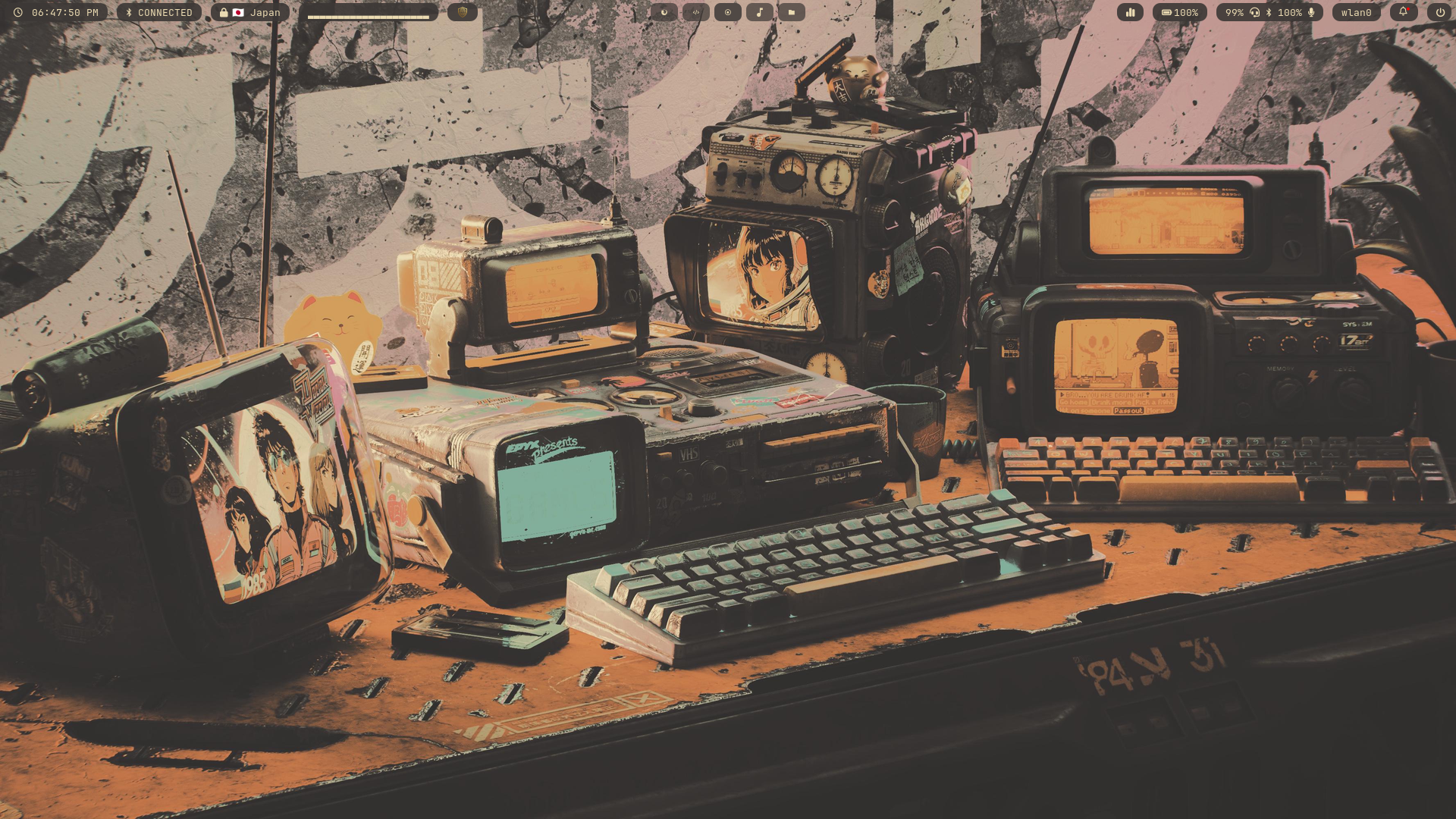
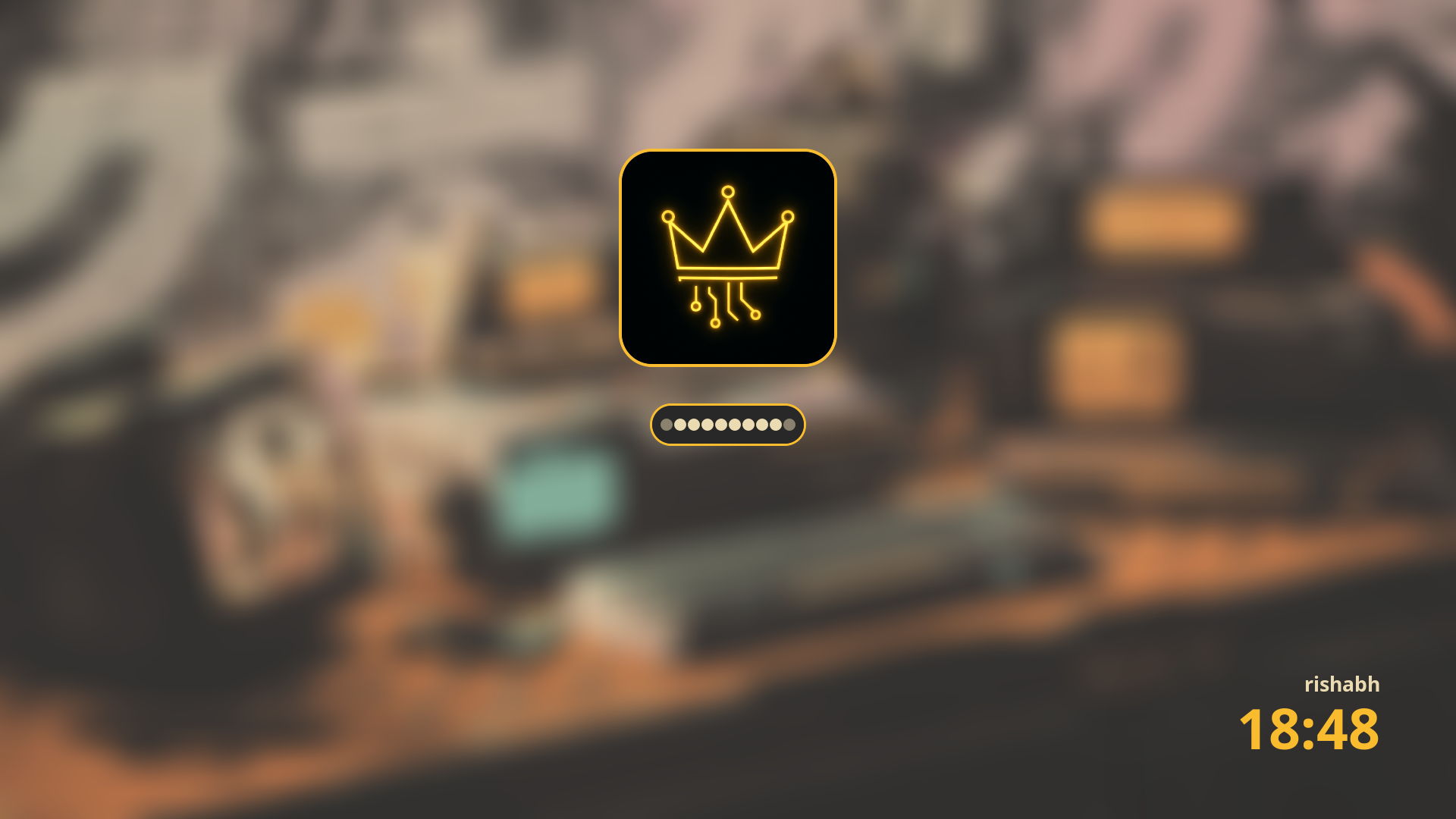
Showcase
What is MonarchDots?
MonarchDots is a Hyprland-centric dotfiles setup for Arch Linux built around a single idea: a desktop should feel cohesive, not like a random collection of configs stitched together over six different weekends.
It bundles the pieces that shape a Wayland workflow — window management, bars, launchers, notifications, lockscreen, widgets, shell setup, helper scripts, and theming — into one reproducible setup that can be deployed from a fresh install with a bootstrap script.
The goal is not to provide every possible option under the sun. It is to provide one opinionated setup that looks good, feels fast, and works as a complete environment instead of a pile of disconnected components.
What's Included
Hyprland Core
- Hyprland
- Hyprlock
- Hyprpaper
- Monitor configuration
- Animations and desktop behavior
Bars, Widgets, Notifications
- Waybar
- Eww
- SwayNC
- Supporting desktop widgets and scripts
Launchers and Menus
- Fuzzel
- Rofi
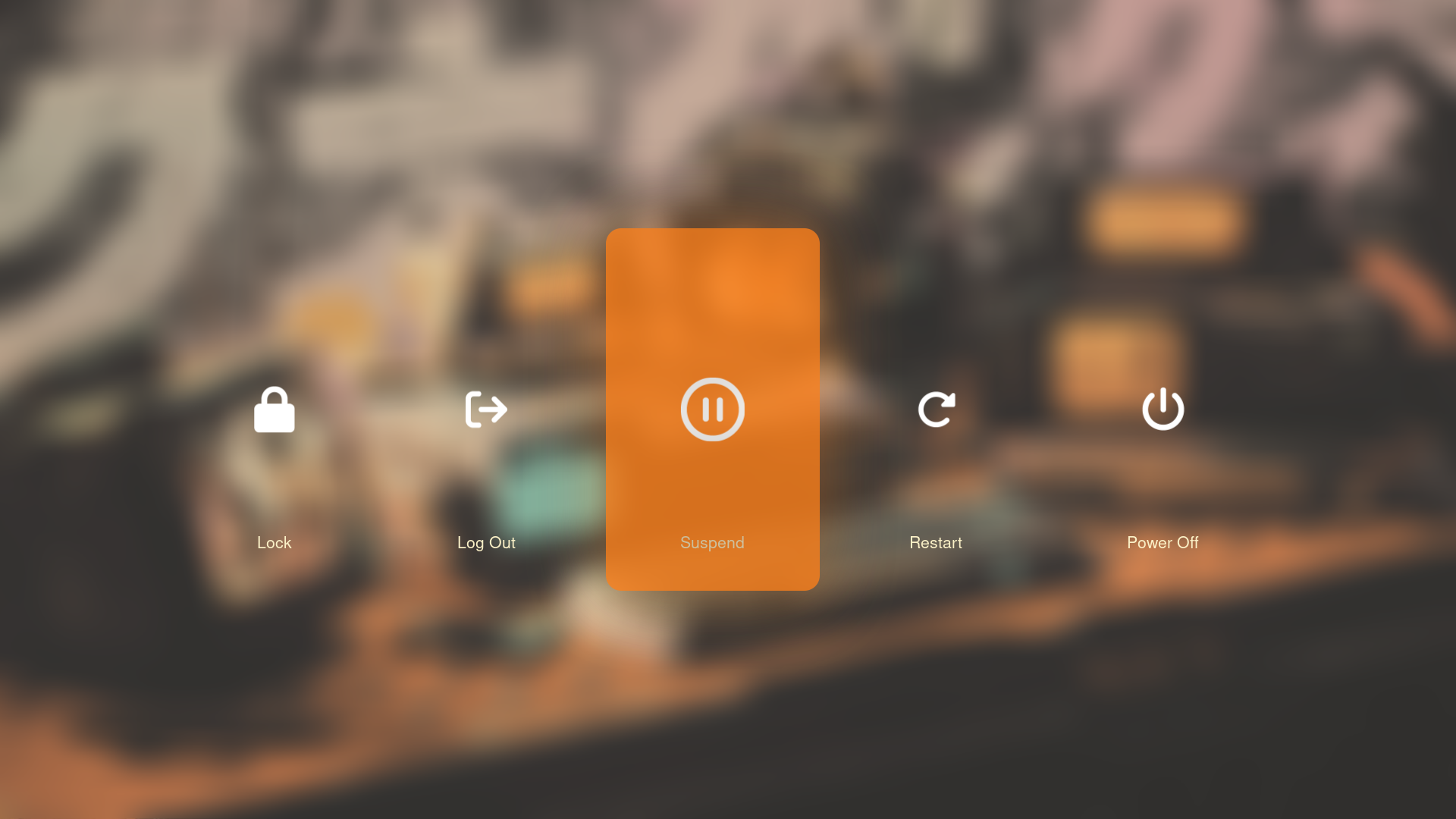
- Wlogout
- rofimoji
- cliphist
Terminal and Shell
- Kitty
- Zsh
- Powerlevel10k
- Zinit
- FZF
- Gruvbox LS_COLORS
Visual Layer
- Waypaper
- Cava
- Wallpapers and theming
- Icon themes and visual polish
Helper Scripts
- Power actions
- Screenshots
- Wallpaper utilities
- Workflow glue scripts
Installation
curl -fsSL https://github.com/Cypher-Monarch/MonarchDots/releases/latest/download/bootstrap-v1.0.sh > install.sh
chmod +x install.sh
./install.sh
git clone https://github.com/Cypher-Monarch/MonarchDots
rsync -a MonarchDots/home/ ~/- Verifies you're running as a normal user on an Arch-based system.
- Clones or refreshes the MonarchDots repository in a temporary directory.
- Optionally installs Chaotic-AUR and detects or installs an AUR helper.
- Installs pacman and AUR dependencies required by the setup.
- Patches hardcoded home paths in dotfiles before copying them.
- Copies configs into your home directory and optionally installs wallpapers.
- Enables essential services and optionally applies the GRUB theme.
Design Philosophy
- Minimal, but complete enough to feel like a full desktop rather than a demo.
- Fast and responsive in daily use, not just in screenshots.
- Visually consistent across bars, launchers, notifications, and shell tooling.
- Reproducible from a fresh install without manually wiring everything together.
Requirements
- Arch Linux or an Arch-based system.
- Wayland / Hyprland workflow.
- PipeWire + WirePlumber.
- Nerd Fonts and related desktop dependencies.
- Sudo access and a normal user account.
Post-Install Notes
- Edit ~/.config/hypr/conf/monitors/default.lua to match your monitor name from hyprctl monitors.
- A reboot is recommended after installation.
- The installer supports a --dry-run mode for previewing actions without making changes.
- Wallpaper pack installation is optional.
- GRUB theme application is optional.
Roadmap
- Improve bootstrap reliability and detection.
- Automatic monitor and resolution profiles.
- Dynamic wallpaper and theme switching.
- More Waybar themes and layout presets.
- Better laptop vs desktop power profile handling.
- Optional minimal install mode.
- Long-term: multi-distro support, GPU detection, and install-time theme presets.
Final Note
Why spend time looking at a boring desktop, when you can look at a pretty one.
- MonarchDots is intentionally opinionated.
- It is not trying to support every workflow, every distro, or every aesthetic direction at once.
- The goal is a setup that feels cohesive, fast, and pleasant to live in every day.
- If you want a clean starting point for a Hyprland setup on Arch, that's what it's here for.