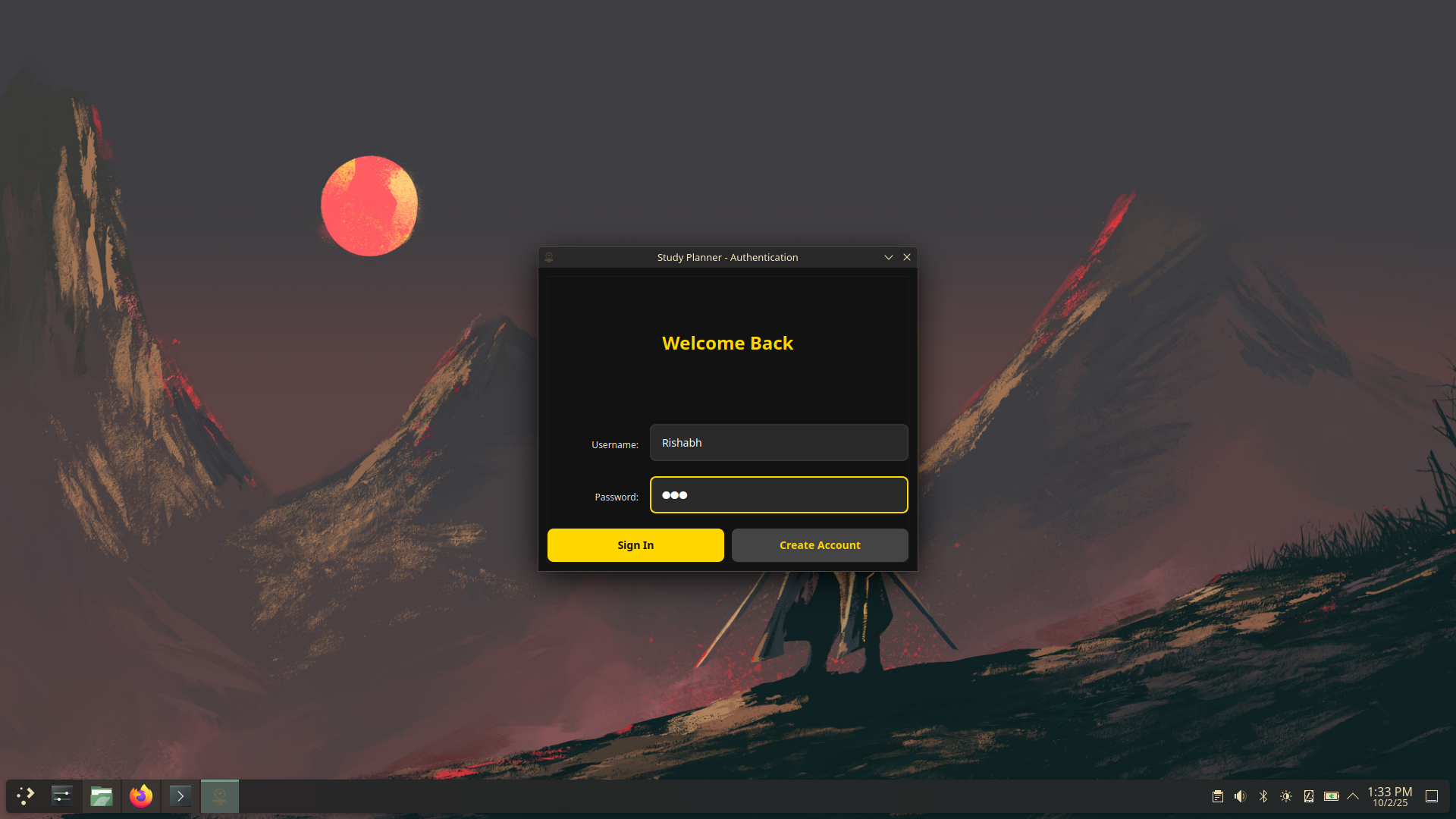
ChronoLOG
Plan smarter. Study longer. Track everything.
ChronoLOG is a PySide6-based desktop study planner and productivity
tool designed to help students organize tasks, schedule study
sessions, track progress, and manage notes in one place.
It combines task management, scheduling, progress tracking, study mode, and note-taking into a themeable desktop application built around the full study workflow rather than just one isolated feature.
Showcase
Project Status
Current State
- ChronoLOG is currently in development.
- Its core planner, notes, scheduling, and progress systems are already structured into the application.
- Features may still be refined, expanded, or replaced during development.
Focus
- Student productivity and study planning.
- A unified workflow instead of separate tools for tasks, notes, and scheduling.
- A desktop-first interface built around long study sessions and personal organization.
Overview
ChronoLOG is built around a simple idea: studying gets messy when tasks, schedules, notes, progress tracking, and session planning are all spread across different apps with different interfaces and different workflows.
Instead of treating planning, studying, and note-taking as separate problems, ChronoLOG tries to handle the full loop in one place. You can organize subjects, create tasks, schedule study sessions, track progress, enter a focused study mode, and manage notes without bouncing between unrelated tools.
Core Architecture
Main Window
- MainWindow.StudyPlanner as the primary application window.
- Coordinates navigation, tabs, and planner functionality.
- Acts as the central entry point for the full workflow.
Sidebar and Navigation
- Collapsible sidebar with expand/collapse animations.
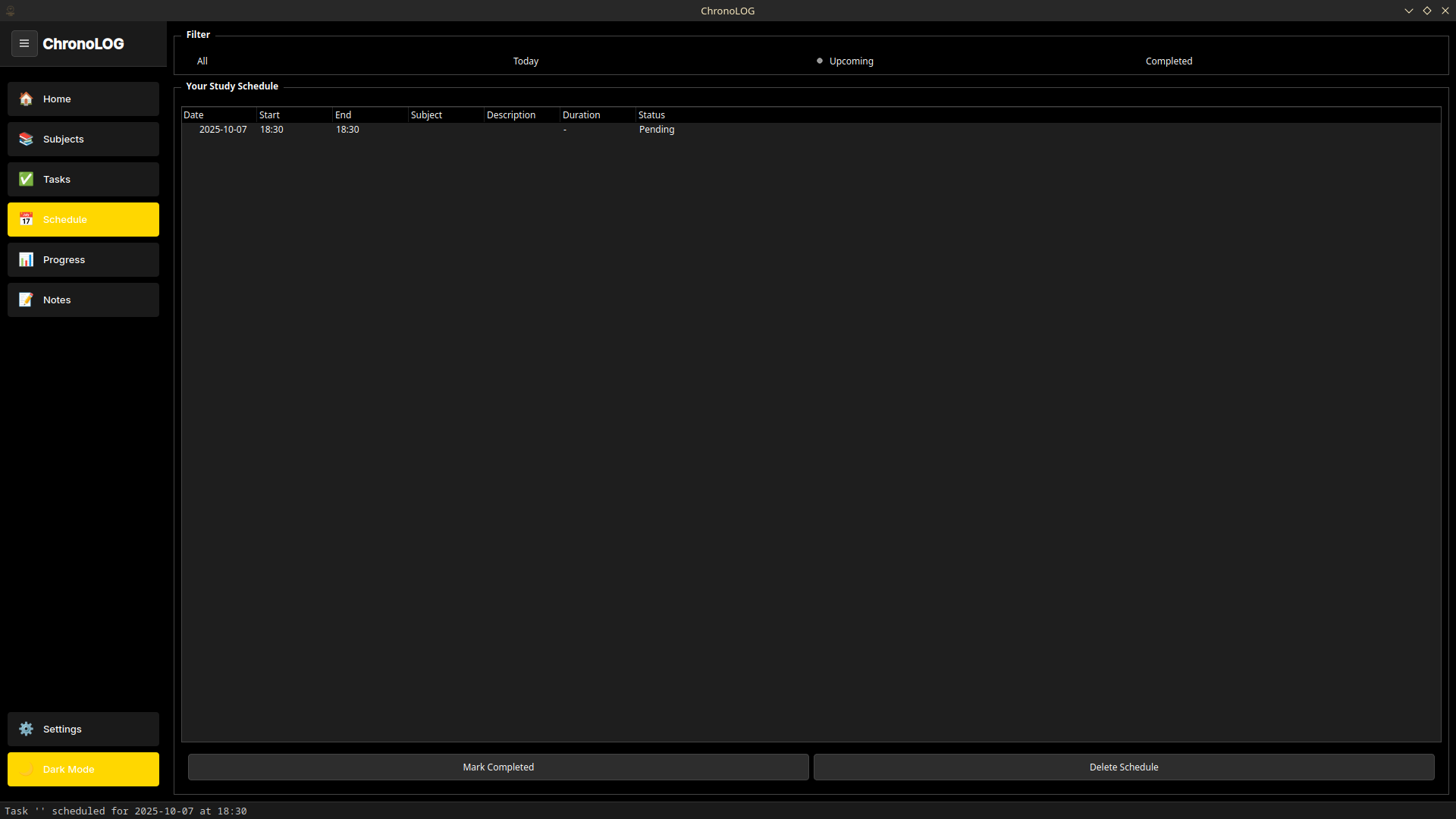
- Tabs for Home, Subjects, Tasks, Schedule, Progress, and Notes.
- Status bar for live updates and notifications.
Notes System
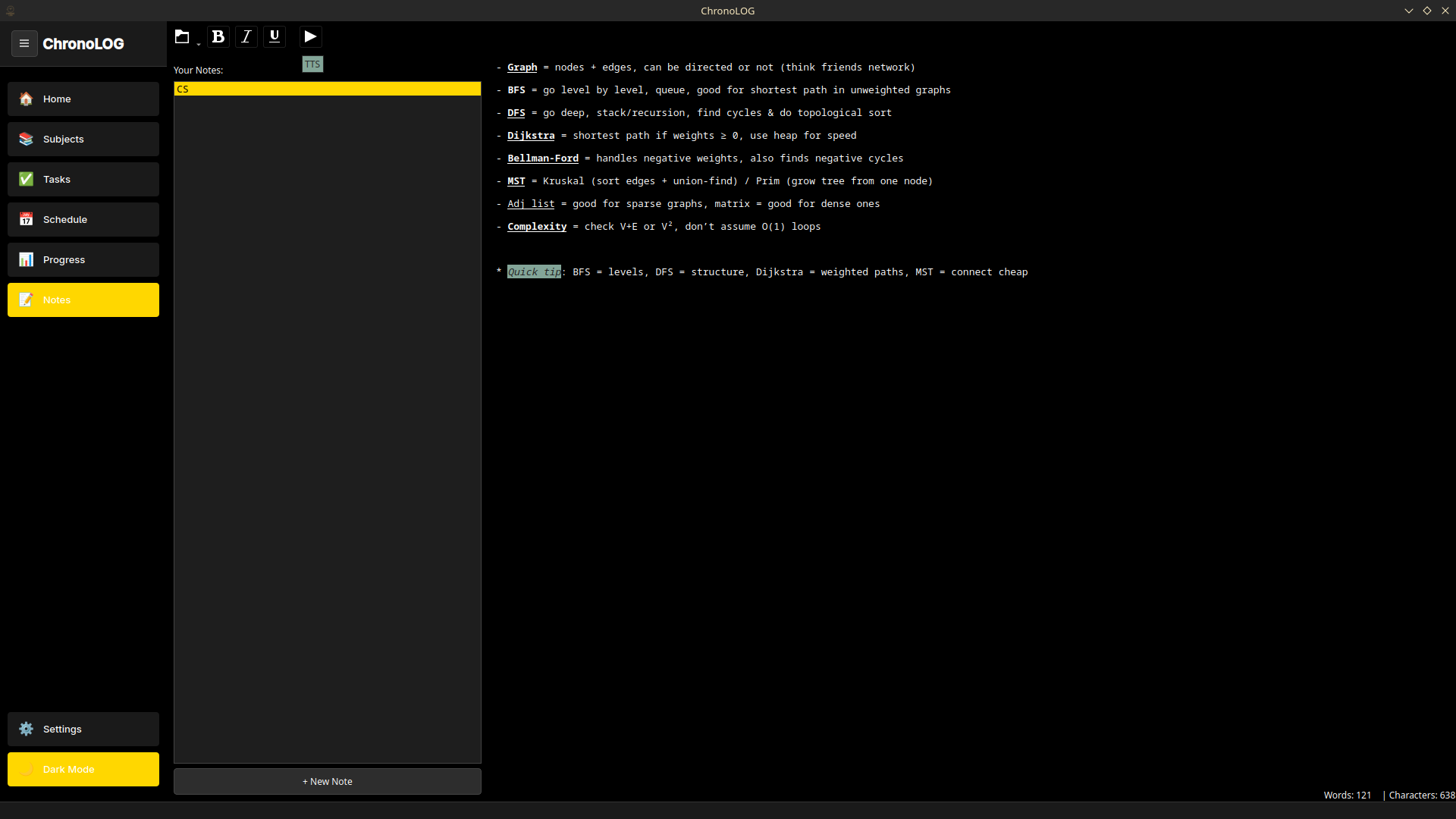
- Dedicated NotesTab with rich text editing.
- Integrated Text-to-Speech support.
- File-based note management and export support.
Study Mode
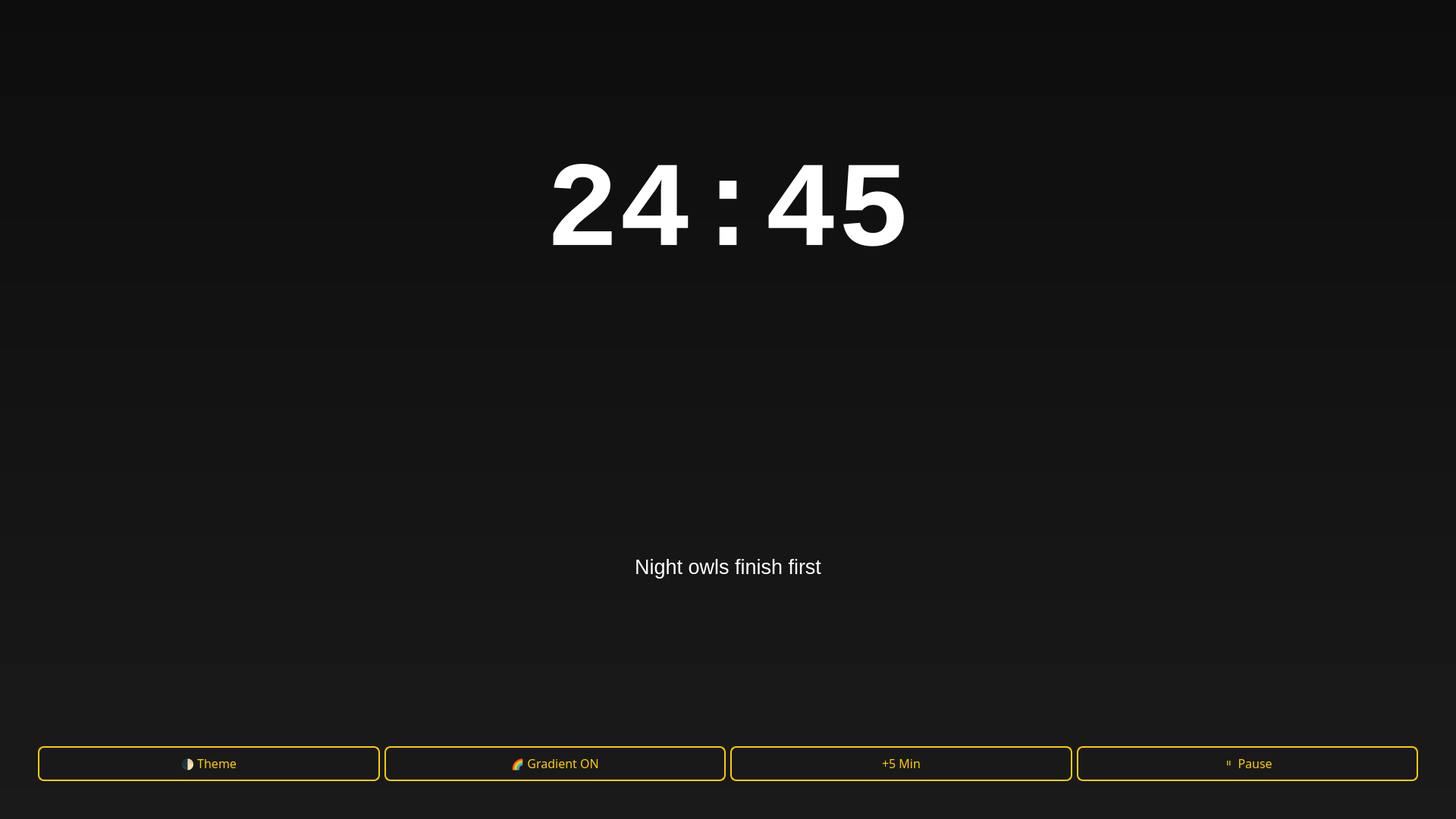
- Fullscreen focused study environment.
- Built around the UltimateStudyTimer.
- AFK detection during long study sessions.
Main Features
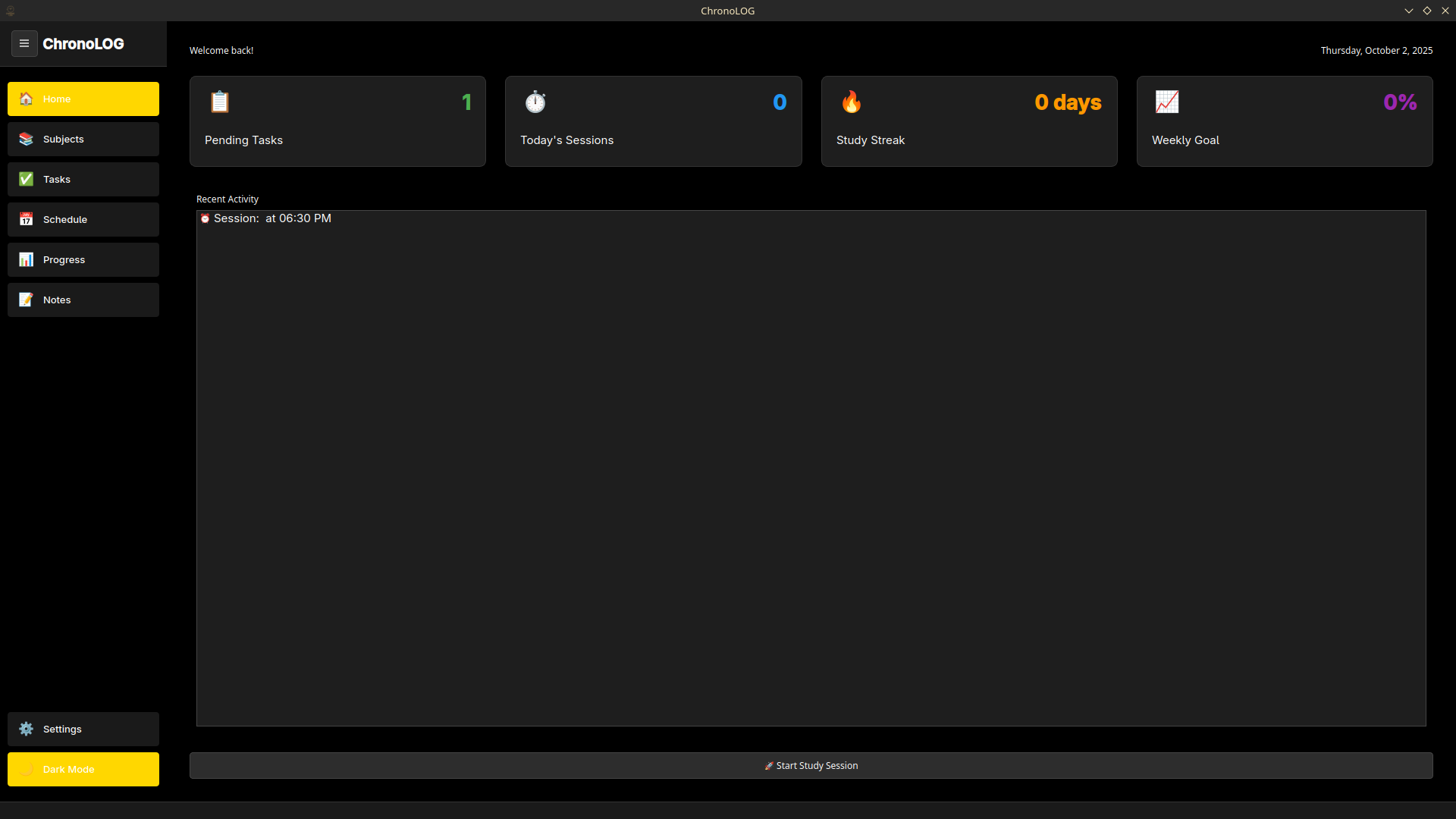
Home Dashboard
- Stats cards for pending tasks, study sessions, streaks, and progress.
- Recent activity feed.
- Quick access to study mode.
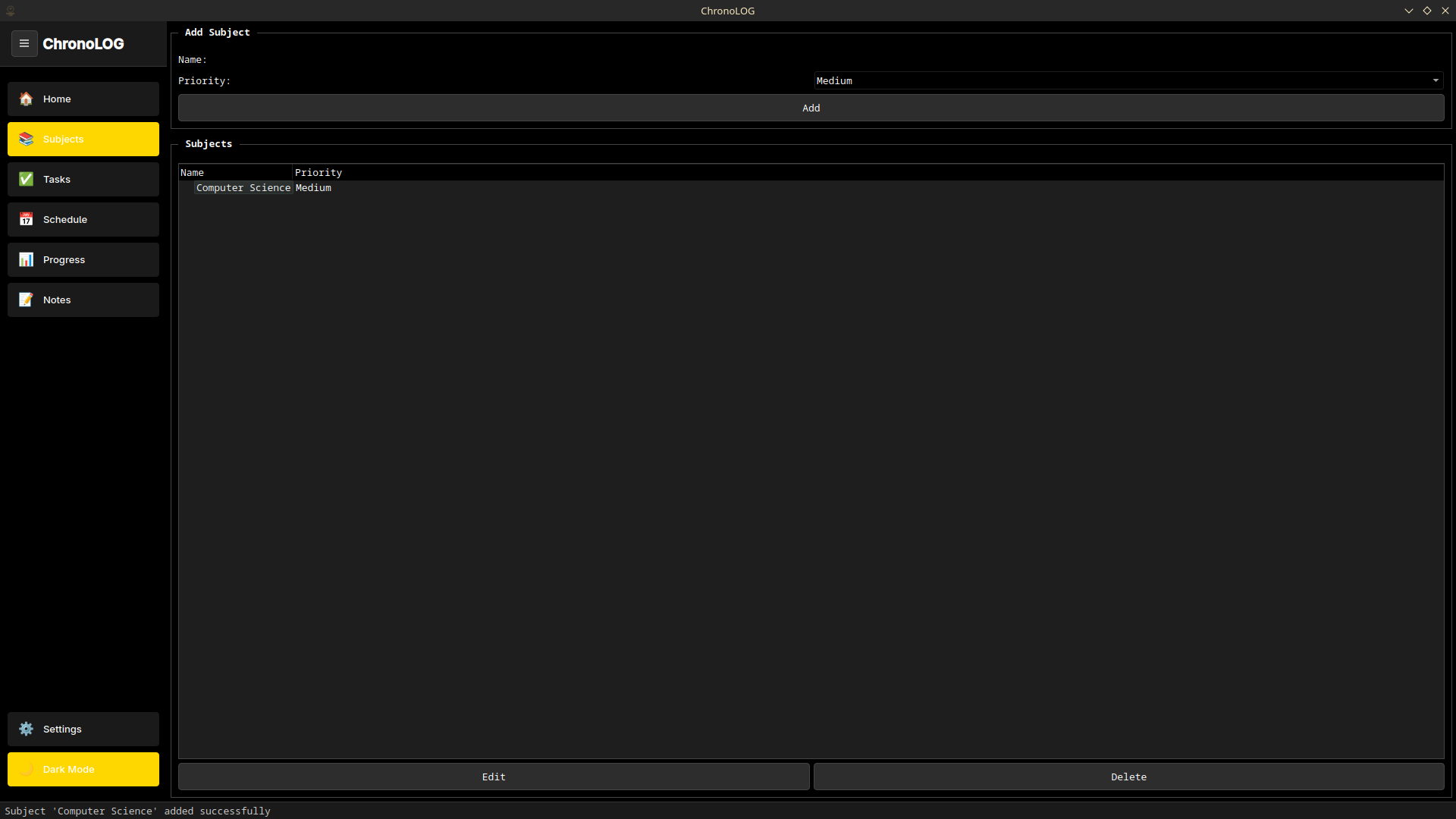
Subjects Management
- Create, edit, and delete subjects.
- Priority system with High, Medium, and Low levels.
- Safety checks for destructive actions.
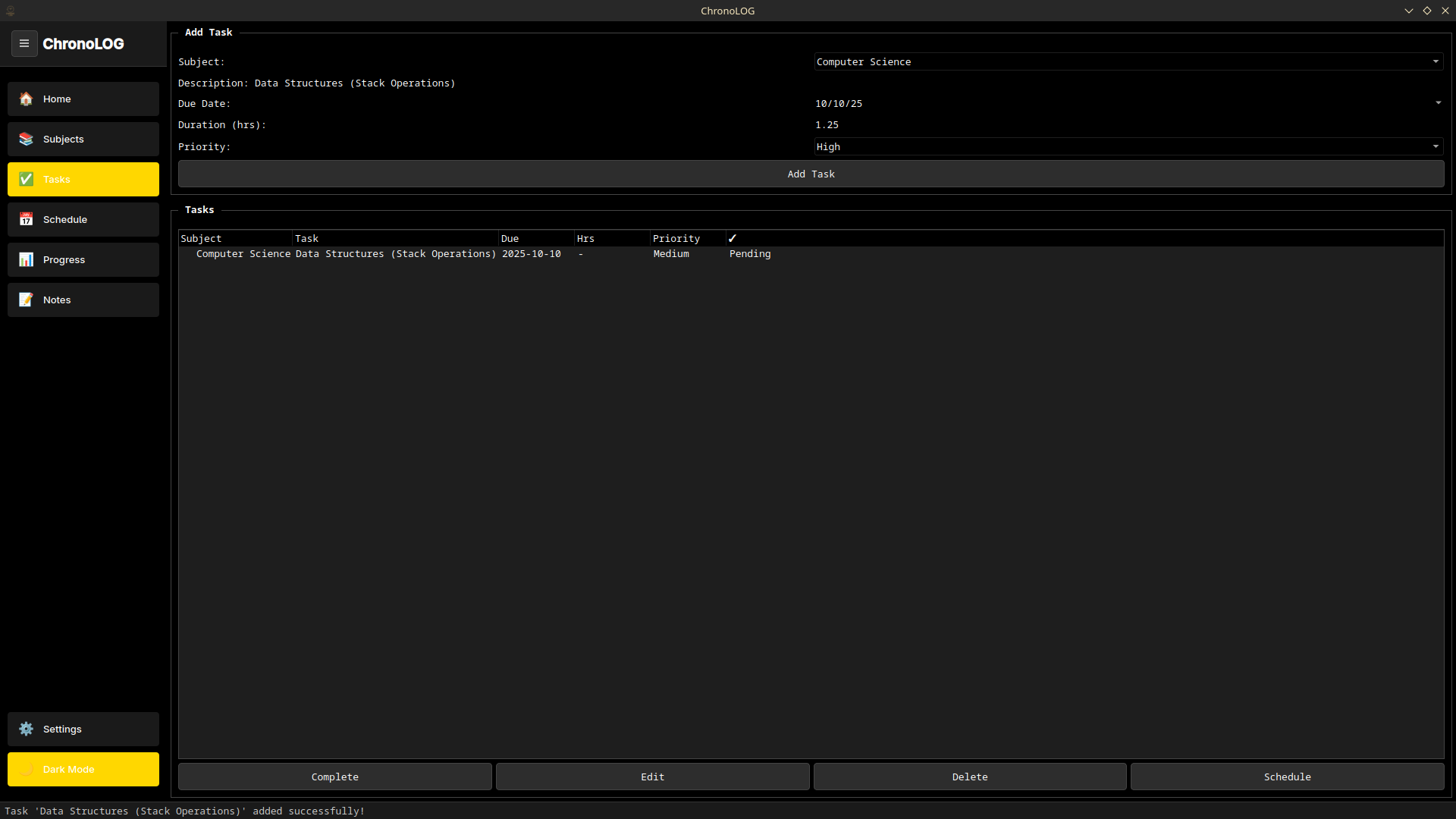
Task System
- Tasks linked to subjects, due dates, and priorities.
- Completion tracking and scheduling support.
- Context menus for quick actions.
Scheduling
- Visual calendar of study sessions.
- Filters for all, today, upcoming, and completed sessions.
- Pending, in-progress, completed, and overdue session states.
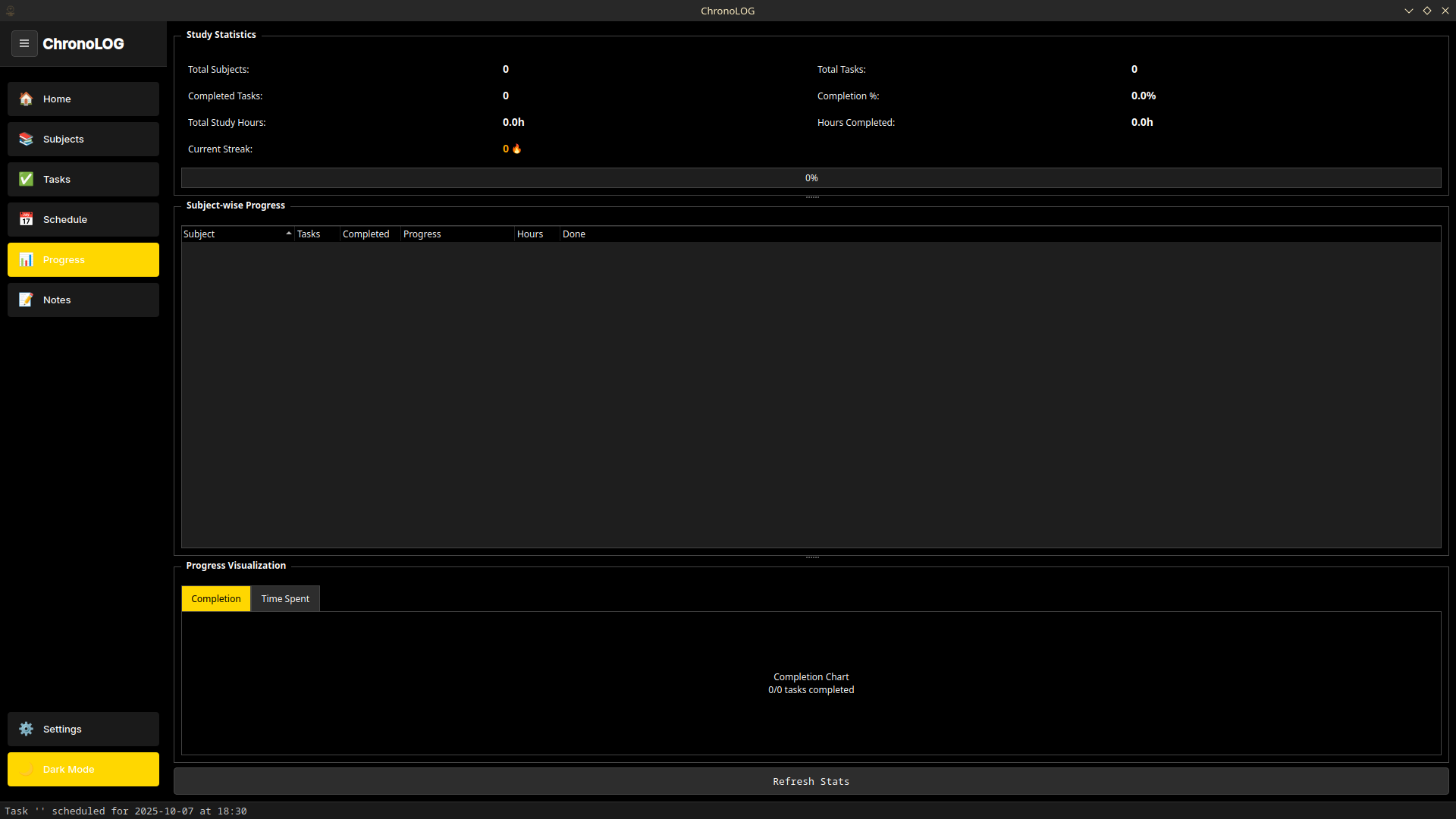
Progress Tracking
- Subject-wise and task-wise statistics.
- Study time tracking and streak monitoring.
- Visual progress indicators across the planner.
Notes and TTS
- Rich text formatting with bold, italic, and underline support.
- Text-to-Speech with voice and speed control.
- MP3 export, word count, character count, and file operations.
Advanced Features
- AFK detection with 20-minute check-ins and a 2-minute response timeout.
- Fullscreen study mode for focused sessions and long work blocks.
- Recurring task support for daily, weekly, and monthly workflows.
- Task dependency support for managing relationships between tasks.
Workflow
- Create subjects to organize study topics.
- Add tasks with priorities and due dates.
- Schedule study sessions in the planner.
- Track progress through statistics and streaks.
- Enter study mode for focused sessions with AFK monitoring.
- Use notes with TTS and file management for revision and study support.
Technical Implementation
Frontend
- PySide6 for the Qt-based desktop interface.
- Animated sidebar, themed controls, and tabbed workflow.
Storage
- MySQL via DBManager for persistent storage.
- Per-user data association for personalization and separation.
- Notes stored in Documents/ChronoLOG-Notes.
Audio and Notes
- pyttsx3 for Text-to-Speech.
- pydub for MP3 export and audio processing.
Reliability
- Daily log files for debugging and runtime visibility.
- User-friendly error handling.
- Database integrity and destructive-action safety checks.
Theme System
ChronoLOG supports a consistent dark/light theme system across the application. Buttons, controls, progress indicators, navigation elements, list widgets, and text inputs are all styled as part of a single visual system rather than treated as disconnected pieces of UI.
Final Note
Built to cover the full study workflow, not just one corner of it.
- ChronoLOG started as a student productivity project and grew into a broader desktop study planner.
- It is not trying to be a generic project management app with school labels slapped on top.
- The focus is on helping students plan, study, track, and revise in one place.
- The current feature set is broad, but the project is still evolving.